 Quizstack
Git Basics: Essential Commands Every Developer Needs
Master the fundamental Git commands and concepts to track changes, collaborate efficiently, and manage your codebase with confidence.
28/09/2026

If you've worked with React for any length of time, you've probably encountered useEffect. It's one of the most powerful hooks—and also one of the most misused. Many React applications are cluttered with unnecessary effects that make code harder to read, slower to run, and prone to bugs.
The React team itself has acknowledged this problem. Their documentation now includes an entire section titled "You Might Not Need an Effect." Let's explore why useEffect is often the wrong tool for the job and what alternatives you should reach for instead.
useEffect exists for one purpose: synchronizing your component with external systems. External systems include things like browser APIs, third-party libraries, network requests, or manual DOM manipulation.
useEffect(() => {
  const connection = createConnection(serverUrl);
  connection.connect();

  return () => connection.disconnect();
}, [serverUrl]);
This is a legitimate use case. You're connecting to a chat server—something outside React's control—and cleaning up when the component unmounts or when serverUrl changes.
The problem arises when developers use useEffect for things React can handle without it.
One of the most common mistakes is using useEffect to transform data and store the result in state.
// ❌ Don't do this
function ProductList({ products }) {
  const [filteredProducts, setFilteredProducts] = useState([]);

  useEffect(() => {
    setFilteredProducts(products.filter(p => p.inStock));
  }, [products]);

  return <List items={filteredProducts} />;
}
This pattern creates unnecessary complexity. When products changes, React renders the component, then runs the effect, which updates state, which triggers another render. You've doubled your rendering work for no reason.
The fix is simple—calculate the value directly during render:
// ✅ Do this instead
function ProductList({ products }) {
  const filteredProducts = products.filter(p => p.inStock);

  return <List items={filteredProducts} />;
}
If the calculation is expensive, wrap it in useMemo:
// ✅ For expensive calculations
function ProductList({ products }) {
  const filteredProducts = useMemo(
    () => products.filter(p => p.inStock),
    [products]
  );

  return <List items={filteredProducts} />;
}
Another frequent misuse is handling user interactions through effects instead of event handlers.
// ❌ Don't do this
function SearchForm() {
  const [query, setQuery] = useState('');

  useEffect(() => {
    if (query) {
      saveToHistory(query);
    }
  }, [query]);

  return (
    <input
      value={query}
      onChange={e => setQuery(e.target.value)}
    />
  );
}
The intent here is to save each search query to history. But the effect runs whenever query changes for any reason—not just when the user types. This can lead to unexpected behavior if query is ever set programmatically.
Handle user actions directly in event handlers:
// ✅ Do this instead
function SearchForm() {
  const [query, setQuery] = useState('');

  function handleChange(e) {
    const newQuery = e.target.value;
    setQuery(newQuery);
    if (newQuery) {
      saveToHistory(newQuery);
    }
  }

  return <input value={query} onChange={handleChange} />;
}
The rule is straightforward: if something happens because of a user action, put the logic in the event handler. If something happens because your component became visible or a prop changed from an external source, consider an effect.
Effects that update state based on other state often create confusing chains of updates.
// ❌ Don't do this
function ShoppingCart({ items }) {
  const [total, setTotal] = useState(0);
  const [itemCount, setItemCount] = useState(0);

  useEffect(() => {
    setTotal(items.reduce((sum, item) => sum + item.price, 0));
  }, [items]);

  useEffect(() => {
    setItemCount(items.length);
  }, [items]);

  return <div>{itemCount} items, ${total}</div>;
}
Each effect triggers a new render. With multiple chained effects, you're rendering far more than necessary, and the logic becomes scattered across your component.
Derive values directly instead:
// ✅ Do this instead
function ShoppingCart({ items }) {
  const total = items.reduce((sum, item) => sum + item.price, 0);
  const itemCount = items.length;

  return <div>{itemCount} items, ${total}</div>;
}
No state, no effects, no extra renders. The component is simpler and faster.
Despite the warnings above, useEffect remains essential for genuine side effects. Fetching data when a component mounts or when a dependency changes is a classic example:
// ✅ Fetching data is a valid use case
function UserProfile({ userId }) {
  const [user, setUser] = useState(null);

  useEffect(() => {
    let cancelled = false;

    fetchUser(userId).then(data => {
      if (!cancelled) {
        setUser(data);
      }
    });

    return () => { cancelled = true; };
  }, [userId]);

  if (!user) return <Loading />;
  return <Profile user={user} />;
}
Note the cleanup pattern with the cancelled flag. This prevents setting state on an unmounted component if the user navigates away before the fetch completes.
Other legitimate uses include setting up subscriptions, integrating with non-React libraries, managing timers, and interacting directly with the DOM through refs.
Before writing useEffect, ask yourself three questions. First, can this value be calculated during render? If yes, just compute it—use useMemo if performance is a concern. Second, is this responding to a user event? If yes, put the logic in the event handler. Third, am I synchronizing with something outside React? If yes, useEffect is probably appropriate.
This mental checklist will help you avoid the effect trap and write cleaner React components.
useEffect is a powerful tool, but power demands restraint. Many effects exist because developers default to them without considering alternatives. By calculating values during render, handling user events directly, and reserving effects for true external synchronization, you'll write React code that's easier to understand, debug, and maintain.
The next time you reach for useEffect, pause and ask whether you really need it. More often than not, you don't.
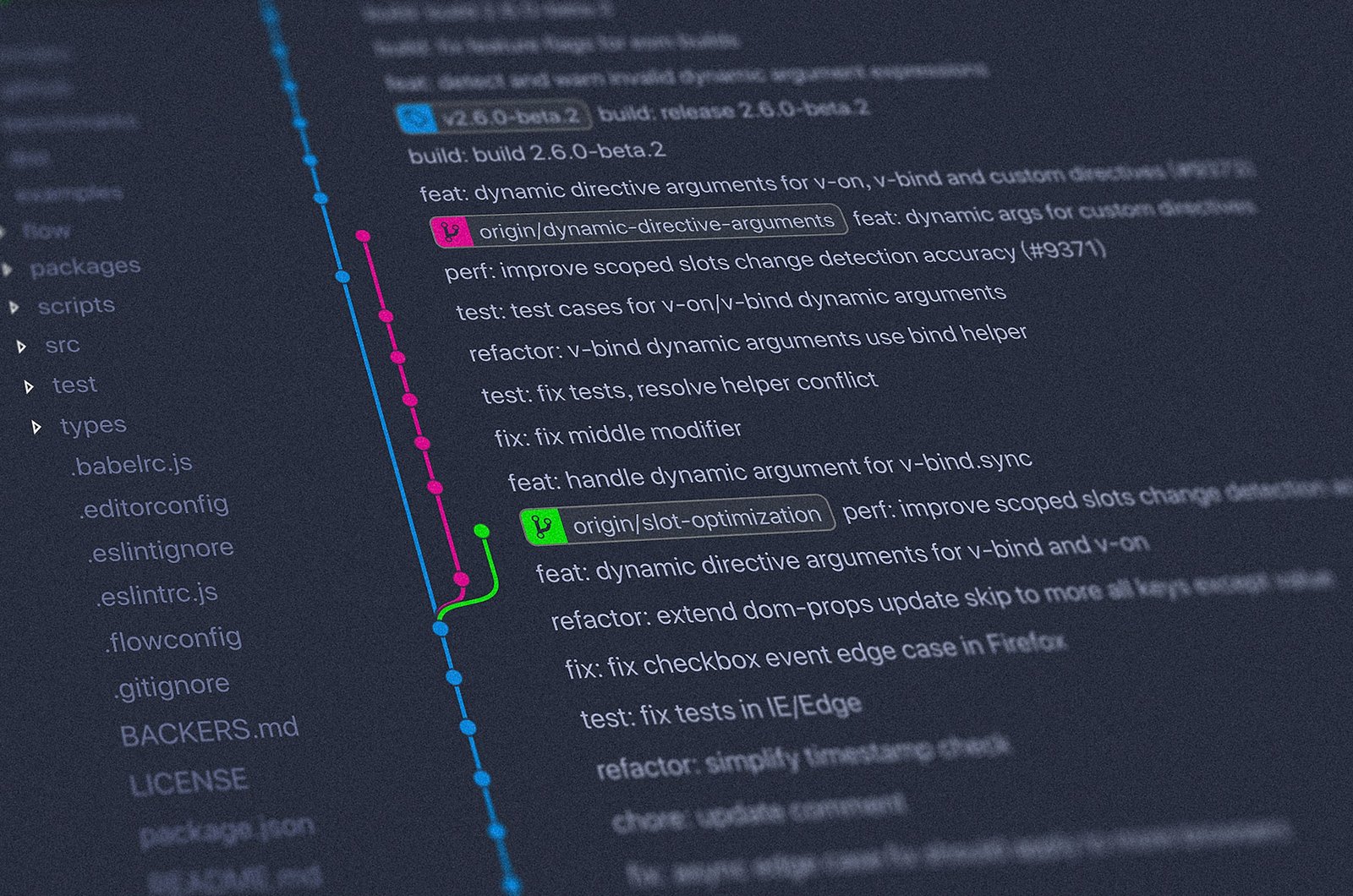
Master the fundamental Git commands and concepts to track changes, collaborate efficiently, and manage your codebase with confidence.

Simple principles from Refactoring UI that separate amateur interfaces from polished products.

TypeScript isn't a new language—it's JavaScript with guardrails that become essential at scale.
Test your HTML, CSS, JavaScript, PHP, SQL skills and more with free quizzes. Perfect for beginners learning to code or developers preparing for interviews.