 Quizstack
Rebeccapurple: The Story Behind CSS's Most Human Color
Discover the touching story behind rebeccapurple, the CSS color named in memory of a six-year-old girl that became the symbol of the new CSS logo.
30/04/2026

When Tailwind CSS first appeared, many developers dismissed it. Writing classes like flex justify-center items-center p-4 bg-blue-500 directly in HTML seemed like a step backward—inline styles with extra steps. Yet Tailwind has become one of the most adopted CSS frameworks, used by companies from startups to Netflix and OpenAI.
This article explores why Tailwind works so well, who should use it, and how it fits into modern frontend development.
Tailwind is a utility-first CSS framework. Instead of providing pre-built components like buttons or cards, it offers low-level utility classes that map directly to CSS properties.
Want flexbox centering with padding and a background color? You write exactly that:
<div class="flex justify-center items-center p-4 bg-blue-500">
  Centered content
</div>
Each class does one thing: flex sets display: flex, p-4 adds padding, bg-blue-500 sets a background color. You compose these utilities to build any design without writing custom CSS.
This approach feels verbose at first. But that verbosity brings clarity—you see exactly what styles apply to an element without switching files or tracing class definitions.
Tailwind eliminates the constant context-switching between HTML and CSS files. You stay in your template, adding classes as you build. No naming debates, no hunting for the right stylesheet, no wondering if a class already exists.
This speed compounds over time. Common patterns become muscle memory. Building a card with shadow, rounded corners, and hover effects takes seconds:
<div class="bg-white rounded-lg shadow-md p-6 hover:shadow-lg transition-shadow">
  <h3 class="text-lg font-semibold mb-2">Card Title</h3>
  <p class="text-gray-600">Card content goes here.</p>
</div>
The design system is built into the framework. Spacing follows a consistent scale, colors form a cohesive palette, and typography stays harmonious—all without manual configuration.
Here's an important truth: Tailwind is not a shortcut around learning CSS. It's an abstraction layer for developers who already understand it.
Every utility class maps to real CSS properties. justify-between means nothing if you don't understand flexbox. grid-cols-3 requires grid knowledge. absolute inset-0 demands understanding of positioning.
Developers who learn Tailwind without CSS fundamentals hit walls quickly. They can copy patterns but can't debug unexpected behavior or create new layouts confidently. Tailwind accelerates CSS-literate developers; it doesn't replace CSS education.
If you're still building your CSS foundation, invest that time first. Tailwind will make more sense—and you'll use it more effectively—once CSS concepts are solid.
Bootstrap and Tailwind solve different problems. Understanding this distinction helps you choose the right tool.
Bootstrap provides pre-styled components: buttons, modals, navbars, cards. You add a class like btn btn-primary and get a complete, styled button. This works beautifully for rapid prototyping or projects where default aesthetics are acceptable.
Tailwind provides building blocks instead of finished components. There's no btn class—you construct buttons yourself:
<button class="px-4 py-2 bg-blue-600 text-white rounded-md hover:bg-blue-700 transition-colors">
  Click me
</button>
This requires more initial effort but offers unlimited flexibility. Your designs don't look like every other Bootstrap site. You're not fighting framework defaults or overriding styles to match your brand.
Bootstrap says "here's a button, customize if needed." Tailwind says "here are the tools, build exactly what you want." Neither approach is wrong—they serve different needs and team preferences.
Tailwind truly shines with component-based frameworks like React, Vue, Svelte, or Angular. The combination addresses utility-first CSS's main criticism: repetition.
In traditional HTML, repeating the same long class strings across multiple buttons feels wasteful. But in component architectures, you define that button once:
function Button({ children, variant = "primary" }) {
  const baseStyles = "px-4 py-2 rounded-md font-medium transition-colors";
  const variants = {
    primary: "bg-blue-600 text-white hover:bg-blue-700",
    secondary: "bg-gray-200 text-gray-800 hover:bg-gray-300",
  };

  return (
    <button className={`${baseStyles} ${variants[variant]}`}>
      {children}
    </button>
  );
}
Now you use <Button>Click me</Button> throughout your application. The verbose classes live in one place. The component abstraction handles reuse.
This synergy explains Tailwind's popularity in the React and Vue ecosystems. The framework's philosophy—composition over inheritance—mirrors how components work. Styles and markup colocate naturally, making components truly self-contained.
Tailwind's design tokens enforce consistency across your project. The default spacing scale uses multiples of 0.25rem: p-1 is 4px, p-2 is 8px, p-4 is 16px. You can't accidentally use 13px padding.
Colors follow the same principle. Instead of scattered hex values, you choose from a predefined palette: gray-100 through gray-900, blue-500, red-600. Extending or customizing this palette happens in one configuration file:
// tailwind.config.js
module.exports = {
  theme: {
    extend: {
      colors: {
        brand: {
          light: '#E8F4FD',
          DEFAULT: '#1E88E5',
          dark: '#1565C0',
        },
      },
    },
  },
};
Every developer on your team now uses the same values. Design consistency happens by default rather than by discipline.
Tailwind generates thousands of utility classes during development. In production, it scans your files and removes unused classes automatically. Final CSS bundles often measure under 10KB—smaller than many hand-written stylesheets.
This optimization requires no configuration. The build process handles it transparently, giving you development convenience without production bloat.
Tailwind's popularity has created a rich ecosystem. Headless UI provides unstyled, accessible components designed for Tailwind integration. Tailwind UI offers professionally designed component templates. Plugins extend the framework with animations, forms styling, and typography defaults.
Community resources abound: component libraries, color palette generators, cheat sheets, and editor extensions. Whatever you're building, someone has likely shared a starting point.
Tailwind isn't universal. Content-heavy sites with minimal interactivity might not benefit from utility classes—traditional CSS or a simpler framework could suffice. Teams unfamiliar with modern build tools might find the setup overhead unnecessary.
Some developers genuinely prefer semantic class names and separated stylesheets. That's valid. Tailwind optimizes for different tradeoffs than traditional CSS architecture.
Evaluate your project's needs, your team's preferences, and your existing workflow before adopting any tool.
Tailwind CSS succeeds because it aligns with how modern applications are built. Component-based frameworks benefit from colocated styles. Design systems benefit from enforced constraints. Development speed benefits from staying in one file.
But Tailwind amplifies CSS knowledge rather than replacing it. Master the fundamentals first, understand what the utilities abstract, and you'll find Tailwind an incredibly productive tool for building consistent, maintainable interfaces.
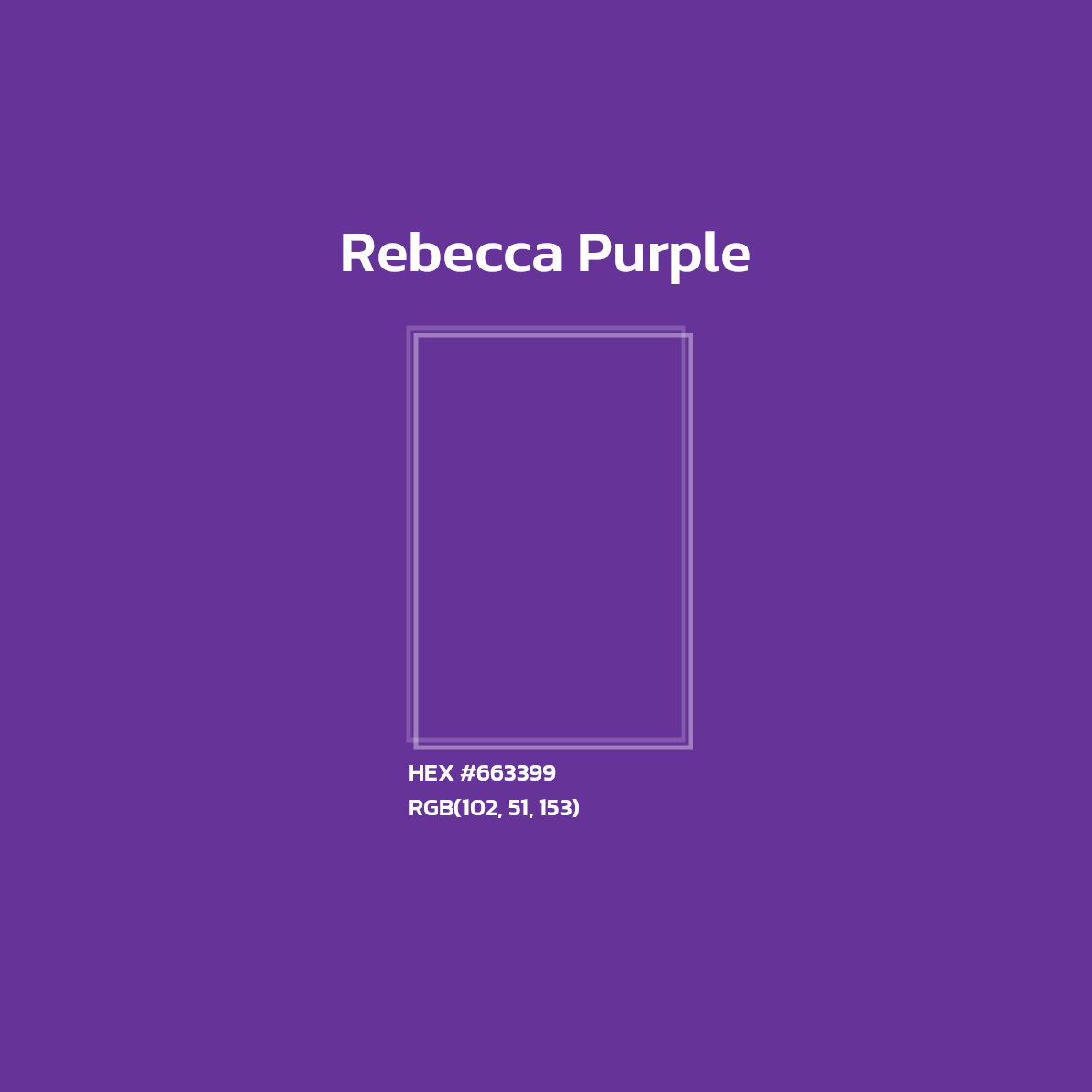
Discover the touching story behind rebeccapurple, the CSS color named in memory of a six-year-old girl that became the symbol of the new CSS logo.

Discover why useEffect is often overused in React applications and learn cleaner patterns to simplify your components and avoid common pitfalls.
Master the fundamental Git commands and concepts to track changes, collaborate efficiently, and manage your codebase with confidence.
Test your HTML, CSS, JavaScript, PHP, SQL skills and more with free quizzes. Perfect for beginners learning to code or developers preparing for interviews.